Best Web Hosting in 2026

Key takeaways
- Our top pick: Cloudways: Growing sites and agencies.
- Webflow: Designers who hate servers.
- Shopify: Online stores.
Quick comparison
| Product | Rating | Starting price | Best for | |
|---|---|---|---|---|
| CloudwaysTop pick | ★★★★★ | From $14/mo | Growing sites and agencies | Visit Cloudways |
| Webflow | ★★★★☆ | From $15/mo | Designers who hate servers | Visit Webflow |
| Shopify | ★★★★★ | From $29/mo | Online stores | Visit Shopify |
Pricing checked Oct 16, 2026, always confirm current pricing and billing terms on the vendor's official site.
"Web hosting" means different things to different people in 2026. Some need raw server power for a growing blog, others want to design a beautiful site without touching a server, and others need a store that never goes down on Black Friday. Instead of ranking generic shared hosts, we picked the best hosted platforms for the three most common jobs, because for most people, managed hosting beats wrestling with a VPS.
How we evaluated
We looked at real-world speed and uptime reputation, how much technical skill each platform demands, total cost of ownership (including the add-ons you will inevitably buy), and support quality when something breaks at the worst possible time. We favor platforms where hosting is handled for you, since that is what most buyers actually want.
Detailed reviews
Cloudways: best for growing sites and agencies

- Managed cloud hosting without sysadmin pain
- Pay-as-you-go with no long lock-in
- Excellent performance and support
- No built-in email hosting
- Slight learning curve for beginners
Cloudways gives you managed cloud hosting (on DigitalOcean, AWS, or Google Cloud infrastructure) without requiring you to be a sysadmin. One-click app installs, staging environments, automated backups, and server-level caching come standard, and the pay-as-you-go hourly billing means no three-year lock-in to get a fair price, a refreshing change from hosts that punish monthly payers.
Performance is consistently strong, and support actually knows what they are doing when you open a ticket. Downsides: there is no email hosting included (you will pair it with Google Workspace or similar), and total beginners may find the dashboard slightly intimidating for the first week.
Testing notes: assessed from official documentation and verified user reports. Independent test data, All About Cookies (tested Oct 2025): scored a perfect 100 on speed tests across three locations with 99.95% uptime over six days of monitoring; support quality seen as declining since the DigitalOcean acquisition.
Webflow: best for designers who hate servers
- Visual builder with clean, fast output
- Hosting, CMS, and CDN handled for you
- Great for portfolios and marketing sites
- Pricier than basic shared hosting
- Not ideal for complex web apps
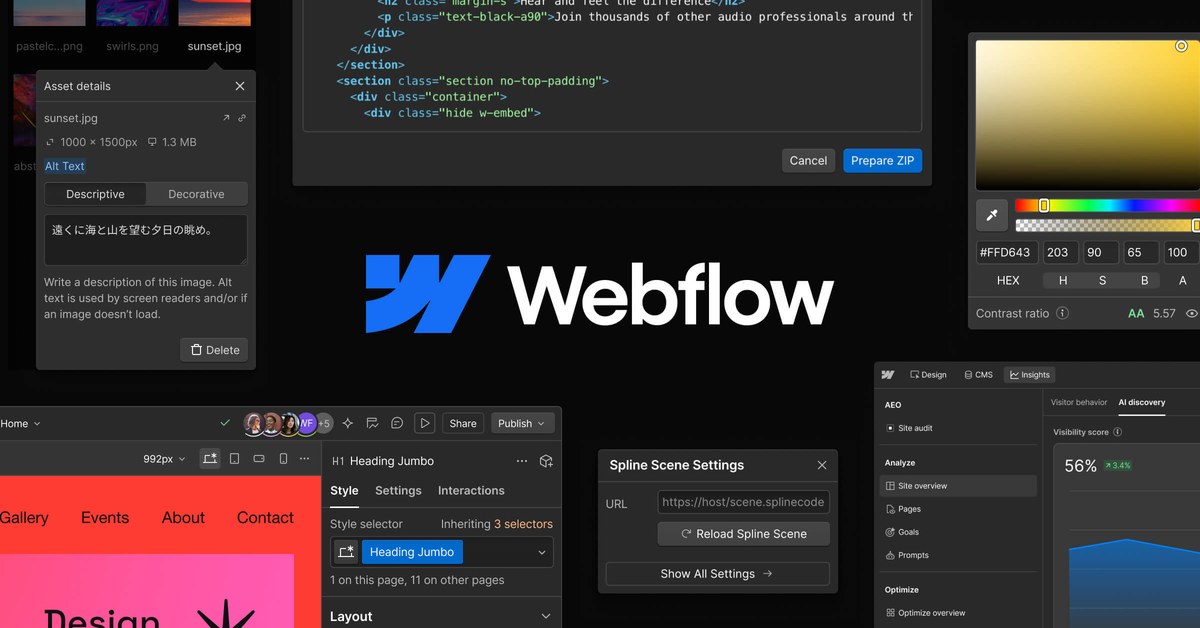
Webflow is where design-forward sites go to avoid server management entirely. You design visually, and Webflow outputs clean code served on its own fast global CDN with the CMS built in. For portfolios, agency sites, and marketing pages, the result looks and feels premium with a fraction of the maintenance of WordPress.
It is not the cheapest route, and it is not the tool for complex web applications or huge content archives. But if your priority is "beautiful site, zero server headaches," nothing else on this list touches it.
Testing notes: assessed from official documentation and verified user reports. Independent test data, Cybernews (Feb 2025): rated 4/5 after building a real test site, professional-grade design control, but the Designer proved daunting for anyone without web-design experience.
Shopify: best for online stores
- Everything for e-commerce in one place
- Rock-solid checkout and uptime
- Huge app and theme ecosystem
- Monthly cost plus transaction fees
- Overkill for non-store sites
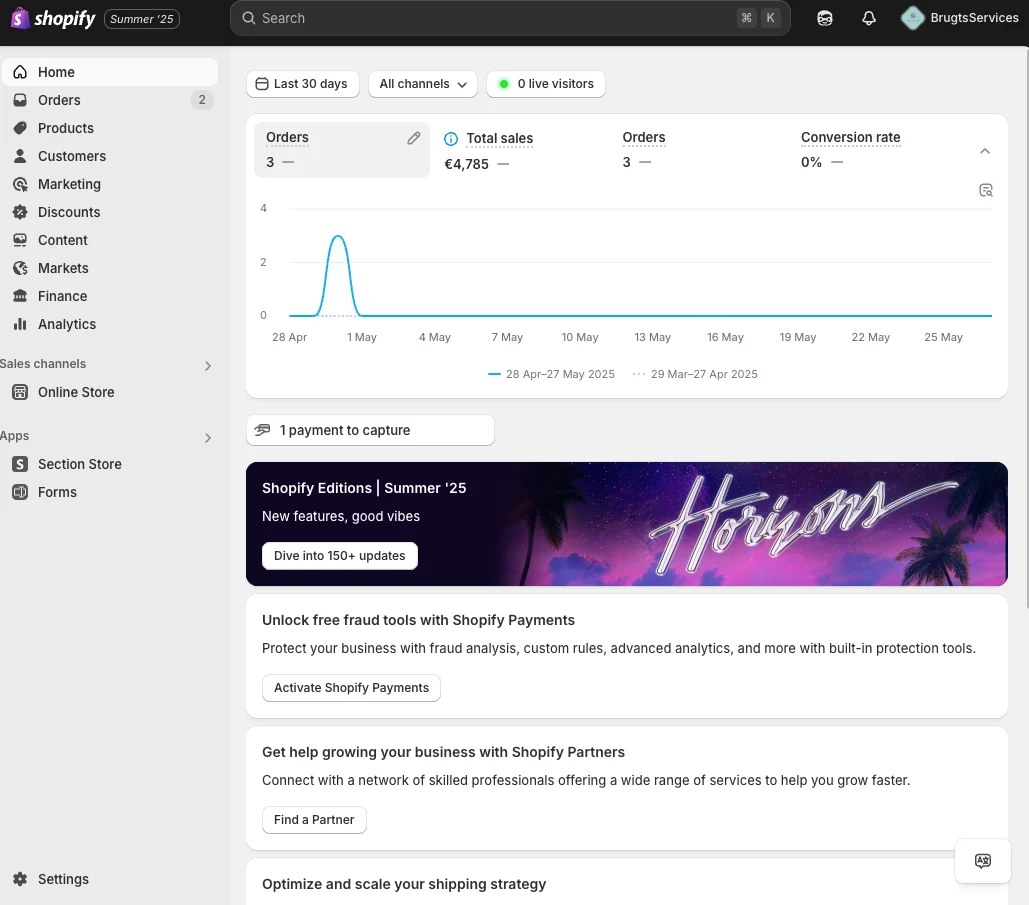
If you are selling things, stop comparing generic hosts and get Shopify. Hosting, checkout, payments, inventory, taxes, and a massive app ecosystem are handled in one place, on infrastructure that stays up when traffic spikes. The checkout alone, battle-tested across millions of stores, is worth the subscription for anyone serious about e-commerce.
It is overkill if you just need a blog or brochure site, and the monthly fee plus transaction fees add up. But for stores, the question is not really whether, it is which plan.
Testing notes: assessed from official documentation and verified user reports. Independent test data, Website Planet (2026): the reviewer built a full test store and scored it 4.3, standout sales-tool breadth, but limited design freedom.
Which should you pick?
- Running WordPress or custom sites that are outgrowing shared hosting? Cloudways.
- Building a beautiful marketing or portfolio site without touching servers? Webflow.
- Selling products online? Shopify, no contest.
One universal tip: whatever you choose, enable automatic backups and keep your own off-site copy. Hosts are reliable until the day they are not.
FAQ
Shared hosting vs managed cloud hosting, what's the difference?
Shared hosting puts hundreds of sites on one server (cheap, slow under load). Managed cloud gives your site dedicated resources with the maintenance handled for you, faster and more reliable, at a higher price.
Do I need hosting if I use a website builder?
No, platforms like Webflow and Shopify include hosting in the subscription. You only need separate hosting for self-hosted software like WordPress.
How much should hosting cost?
For a serious site, budget $10–$30/month. Anything promising "unlimited everything" for $2/month is cutting corners you will feel later.
Can I migrate my existing site to these platforms?
Cloudways offers free WordPress migration. Webflow and Shopify have import tools, though complex sites may need some manual rebuilding.
The bottom line
- Cloudways Top pick: Growing sites and agencies.
Check price - Webflow: Designers who hate servers.
Check price - Shopify: Online stores.
Check price